Jobber Plumbing Software Review 2026: Honest Verdict
Jobber plumbing software review 2026 — verified pricing, feature scores, GPS and QuickBooks gaps assessed, and a clear verdict by crew size.
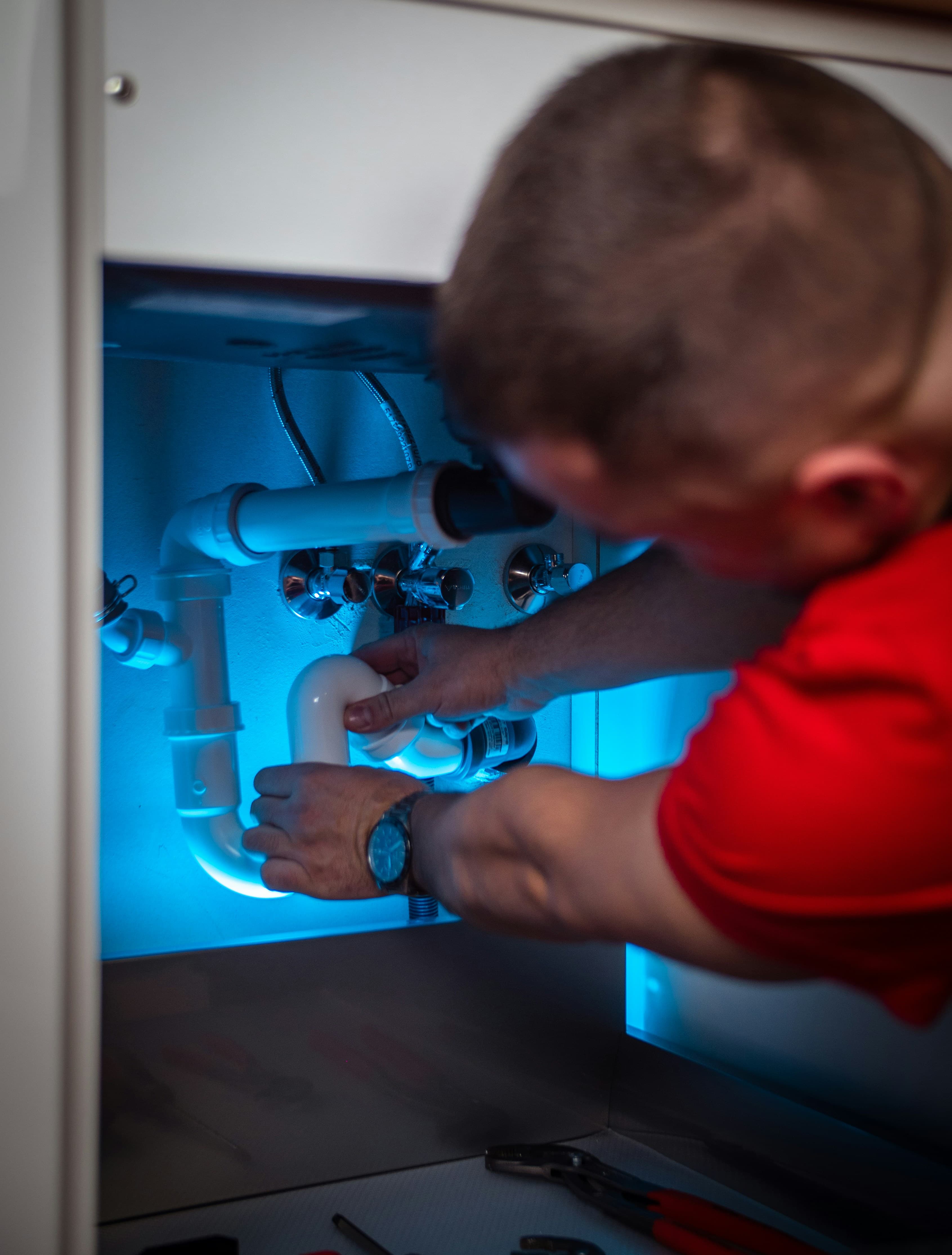
Jobber plumbing software review 2026 — this is a structured assessment of how Jobber performs specifically for plumbing businesses, based on verified pricing from the official website and reviewer patterns from G2 and Capterra. The verdict is not hedged: Jobber is a strong platform for small plumbing crews on annual billing, with specific gaps that matter depending on how your business operates.
Overall verdict: Recommended for plumbing businesses of 3–10 people on annual billing. Strong on workflow automation, QuickBooks sync, and mobile job management. Weak on GPS tracking, subcontractor scheduling, and job costing below the Grow tier. Not the right fit for a solo plumber who needs QuickBooks from day one, or a crew where van location is a daily operational question.
Quick Scores
| Category | Score | Notes |
|---|---|---|
| Pricing | 8/10 | Strong value at team tiers on annual billing. Core plan underdelivers for solo operators needing QuickBooks. |
| Scheduling & Dispatch | 8/10 | Clean board, reliable mobile app, good automation. No GPS is the gap. |
| Invoicing & Payments | 9/10 | Quote-to-invoice workflow is genuinely smooth. Automated follow-ups are the standout feature. |
| QuickBooks Integration | 8/10 | Online only — reliable and low-maintenance. Desktop not confirmed. |
| Mobile App | 8/10 | Consistently rated reliable by field technicians. Clean interface, fast to adopt. |
| Plumbing-Specific Fit | 7/10 | Covers core workflow well. GPS absence and no subcontractor management limit fit for some operations. |
Jobber Plumbing Software Pricing
Jobber publishes its pricing openly and offers both annual and monthly billing. The annual rates are the competitive headline prices — switching to monthly costs significantly more.
| Plan | Users | Annual | Monthly | Key features |
|---|---|---|---|---|
| Core | 1 | $19/month | $29/month | Scheduling, quotes, invoices, payments, online booking |
| Connect | 1 | $65/month | $99/month | + QuickBooks Online, automated reminders, job forms |
| Grow | 1 | $97/month | $149/month | + Job costing, two-way SMS, workflow automations |
| Connect Team | 5 | $97/month | $149/month | Same as Connect, 5-user bundle |
| Grow Team | 10 | $195/month | $299/month | Same as Grow, 10-user bundle |
| Plus Team | 15 | $344/month | $529/month | + Marketing suite, dedicated support |
Prices sourced from getjobber.com/pricing. Confirm current pricing directly with Jobber before committing.
Where Jobber pricing works well for plumbers: The Connect team plan at $97/month for 5 users on annual billing is genuinely hard to beat at that headcount. Per-head that is $19.40/month for scheduling, automated reminders, QuickBooks Online, job forms, and payment collection. A 3–5 person plumbing crew gets a complete job management workflow at a price that leaves margin for other software costs.
Where Jobber pricing falls short: The Core plan at $19/month is deceptively lean — no QuickBooks sync, no automated reminders, no job forms. For a solo plumber who expects Core to replace their current paper and phone workflow end-to-end, it does not. Connect at $65/month is the practical starting point for a solo operator who needs the full workflow, and at that price for 1 user it is less cost-efficient than the team plans.
Scheduling and Dispatch
Jobber's scheduling is built around a drag-and-drop calendar that works on desktop and mobile. Jobs are assigned from the office, the tech receives a notification on their phone, and the customer gets an automated appointment reminder — all without manual intervention once the workflow is set up. For a plumbing crew dispatching 20 or more jobs a week, the reduction in inbound customer calls about appointment times is noticeable within the first month.
The dispatch board shows job status in real time — unassigned, scheduled, in progress, complete — updated by the tech from the mobile app. The office sees the current state of every job without calling anyone. For a 5-person plumbing crew where the office manager currently tracks job progress through WhatsApp messages and phone calls, this is a significant operational improvement.
The gap is GPS. There is no live van location on any Jobber plan. Job status is visible — the tech can mark a job as on-site — but their physical location cannot be seen from the dispatch board. For a plumbing business where customer calls about "where is the plumber?" are a daily occurrence, this gap is real. For one where jobs are pre-booked with arrival windows and customers are not calling to check location, it rarely matters in practice.
Invoicing and Payments
This is Jobber's strongest area for plumbing businesses. The quote-to-invoice conversion is seamless — a quote created on site converts to a job when accepted, the job converts to an invoice when complete, and the invoice is sent automatically without anyone in the office touching it. For a plumbing business where invoices currently sit in a "to do" pile and get sent days after job completion, this automation closes the receivables gap immediately.
Automated invoice reminders at Connect and above chase unpaid invoices on a schedule without manual follow-up. Reviewers on G2 and Capterra consistently cite this as the feature that most directly improves cash flow for plumbing businesses in the first 90 days — not because the software collects payment faster, but because it reliably sends the reminder that prompts the customer to pay without the office having to chase it manually.
Online card payment is included — customers can pay from the invoice link without the plumber needing a card terminal on site. For residential plumbing work where customers expect to pay on completion, the ability to collect payment from a phone is a practical advantage.
QuickBooks Integration
QuickBooks Online sync is available from the Connect plan. Invoices, payments, and customer records flow from Jobber into QuickBooks automatically. The integration is well-regarded in reviewer communities — specifically described as reliable and low-maintenance compared to some competitors where the sync requires periodic manual intervention. For a plumbing business whose bookkeeper works in QuickBooks, the integration removes the data entry step that is otherwise a weekly drain on time.
QuickBooks Desktop is not confirmed as a supported integration. If your plumbing business runs the desktop version, Housecall Pro Essentials is the confirmed alternative at a published price that explicitly supports both versions.
Mobile App
Jobber's mobile app is consistently rated as one of the more reliable field service apps available. Across G2 and Capterra, field technicians describe it as fast to load, straightforward to navigate, and stable. For a plumbing crew where getting technicians to adopt new software is the main implementation challenge, Jobber's low-friction mobile experience is a genuine advantage.
From the app, a tech can view their schedule, pull up job details and previous visit notes, complete a digital job form, attach photos, update job status, generate an invoice, and collect payment. That covers the full field workflow without a call to the office at any step.
Where Jobber Falls Short for Plumbing
No GPS tracking. The most commonly cited limitation in plumbing contractor reviews of Jobber. There is no workaround within the platform.
No subcontractor scheduling. Plumbing businesses that use subcontractors for gas work, drainage specialists, or tiling cannot manage those assignments within Jobber's job workflow. The subcontractor coordination happens outside the system, leaving the job record incomplete.
Job costing requires Grow. At Connect — the plan most 3–5 person plumbing crews land on — there is no per-job profitability tracking. Moving to Grow for job costing adds cost. If job costing is a priority, factor that into the plan decision upfront rather than upgrading later.
Annual billing commitment. The $97/month Connect team rate requires paying for 12 months. Take the free trial seriously — run real jobs through it before committing annually.
What works well
- Quote-to-invoice automation reduces admin significantly
- Automated invoice reminders improve cash flow
- Reliable, clean mobile app — low tech adoption friction
- QuickBooks Online sync is reliable and low-maintenance
- Strong price-to-feature ratio at team plan tiers on annual billing
- Free trial before annual commitment
What falls short
- No GPS tracking on any plan
- No subcontractor scheduling
- Job costing requires Grow upgrade
- Core plan too lean for most plumbing operations
- Annual billing required for competitive rates
- QuickBooks Desktop not confirmed
Who Should Use Jobber for Plumbing
Jobber makes the most sense for a plumbing crew of 3–10 people that runs pre-scheduled jobs with set arrival windows, uses QuickBooks Online, and wants to automate the admin around quoting, invoicing, and customer communication. At that profile on annual billing, the Connect or Grow team plans deliver strong operational value at a competitive price.
It is less suited to a solo plumber who needs QuickBooks from day one without paying for a single-user Connect plan, a crew where GPS tracking is a genuine daily requirement, or a plumbing business that manages subcontractors regularly as part of its workflow.
Final Verdict
Jobber is one of the better-value plumbing software options available at a published price for crews of 3–10 people. The invoicing and payment automation is genuinely strong, the mobile app is reliable, and the QuickBooks Online sync works as advertised. Those three things together cover the most common plumbing admin failures — late invoices, manual follow-ups, and double data entry — efficiently and at a fair price.
The GPS gap is real but not disqualifying for every operation. If your plumbing business pre-schedules jobs and your customers have confirmed arrival windows, you may never notice it is missing. If your business model relies on reactive dispatch and customers calling for ETAs throughout the day, it is a genuine problem that Jobber cannot solve.
Start the free trial, run two weeks of real jobs through it, and make the annual billing decision with actual usage data.
Also see: Jobber for plumbers guide · Housecall Pro vs Jobber for plumbers · ServiceM8 pricing for plumbers
Pricing verified May 2026. We may earn a commission through affiliate links on this page — see our affiliate disclosure.